
ProTanki Multipack 2.4.0.1 / 1.45.0.0

| Category: | ModPacks for World of Tanks |
|---|---|
| Updated: | |
| Version: | 2.4.0.1 / 1.45.0.0 |
ProTanki 2.4.0.1 / 1.45.0.0 modpack collects the newest builds of the core tools from a team of talented programmers. It changes a few gameplay systems and also gives your FPS a real boost.
The team behind the ProTanki modpack for World of Tanks picks the strongest mods and then trims them down to the functions players actually use. That reduces RAM load, but the important parts of the pack stay intact.
The ProTanki Multipack covers just about everything a World of Tanks player needs. Since the mods play nicely with the client, the developers can push updates fast after each new expansion. When the next World of Tanks version lands, you can grab the matching ProTanki modpack right here on our site.
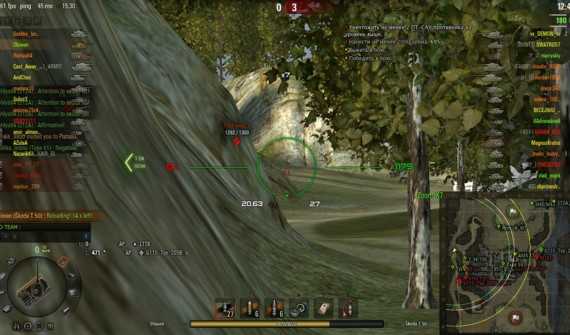
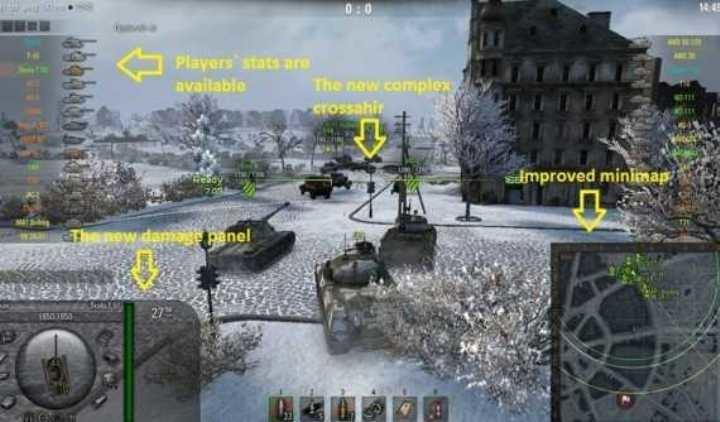
So what exactly gives the ProTanki modpack its edge? If you prefer a different compilation, you can also check out Jove’s Modpack for World of Tanks. Players looking for maximum customization might also want to try Aslain’s Modpack.
- Automatic mod cleanup. You do not have to hunt for old files by hand. The autodeleter does the work: pick the items you no longer need and it removes them.
- A huge options list. The pack includes plenty of crosshairs, minimaps, “lightbulbs”, sound effects, damage panels, and more.
- Sound mod preview. Listen to the included sound options before you commit, then enable only the ones you actually like.
- Team stats viewer. One of the oldest and most popular mods shows both teams’ stats, so you can estimate your chances before the fight starts.
- Torrent downloads for heavy parts. Some larger components can be downloaded through torrent.
- WoT Tweaker. This tool removes some visual effects to improve system performance.
If you want a stable WoT modpack that still brings a lot of changes, the ProTanki pack is a solid pick. It even includes an update notification section, so you will know when the latest build goes live.
How to install Protanki Modpack
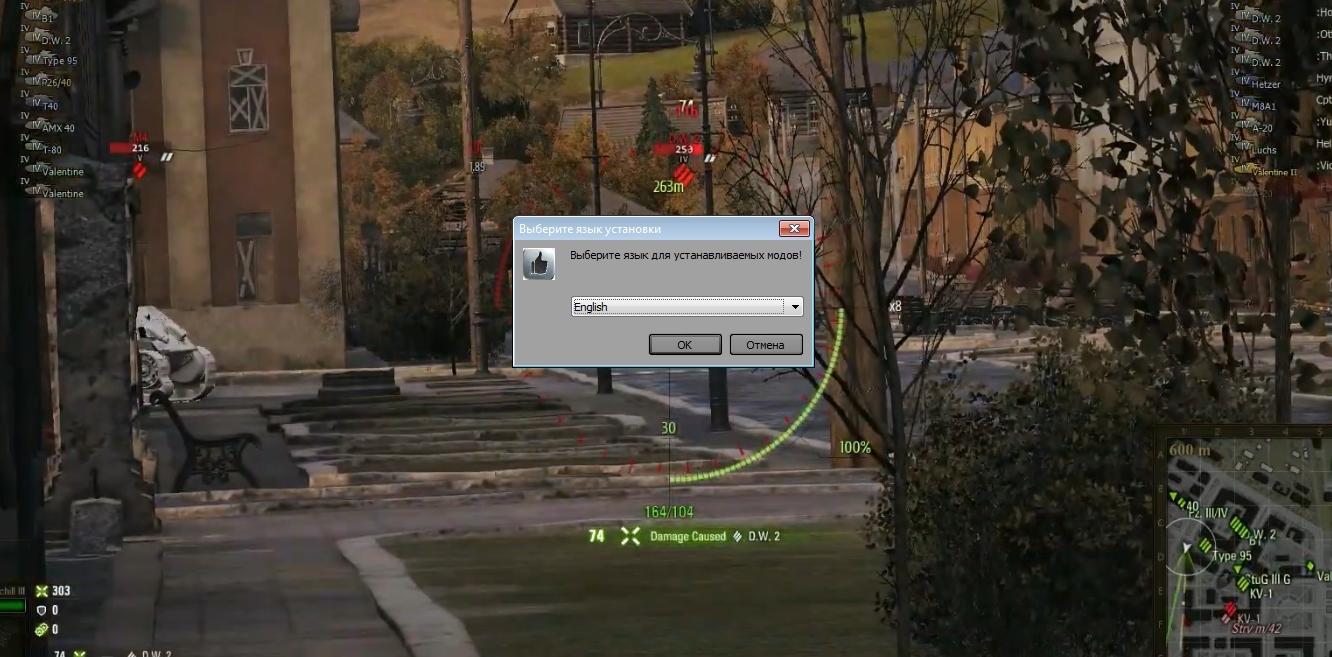
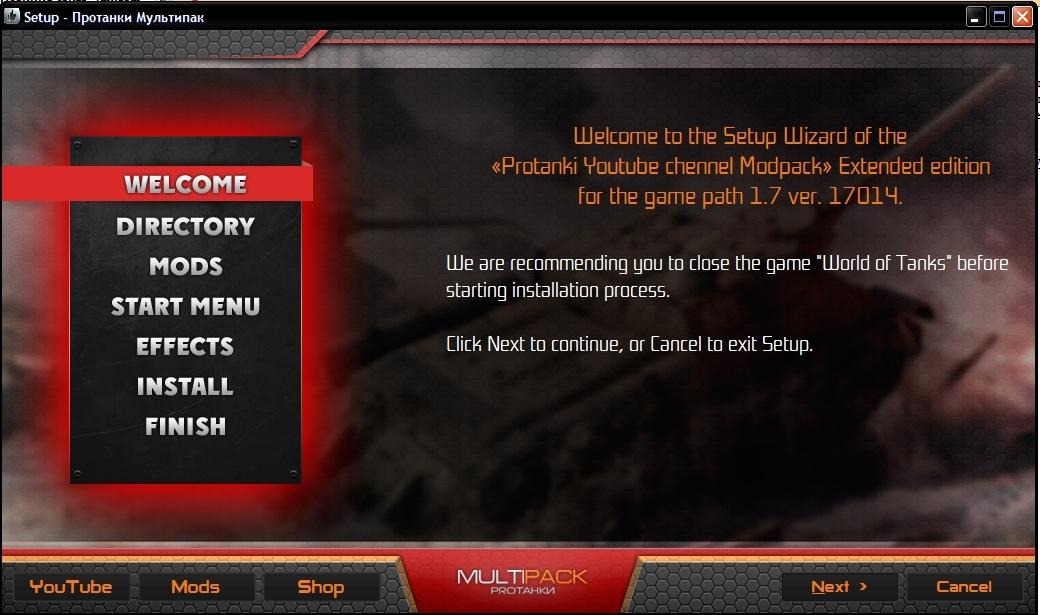
Installation is easy. Follow these steps, or if you want more detail, check our guide on how to install mods in WoT.
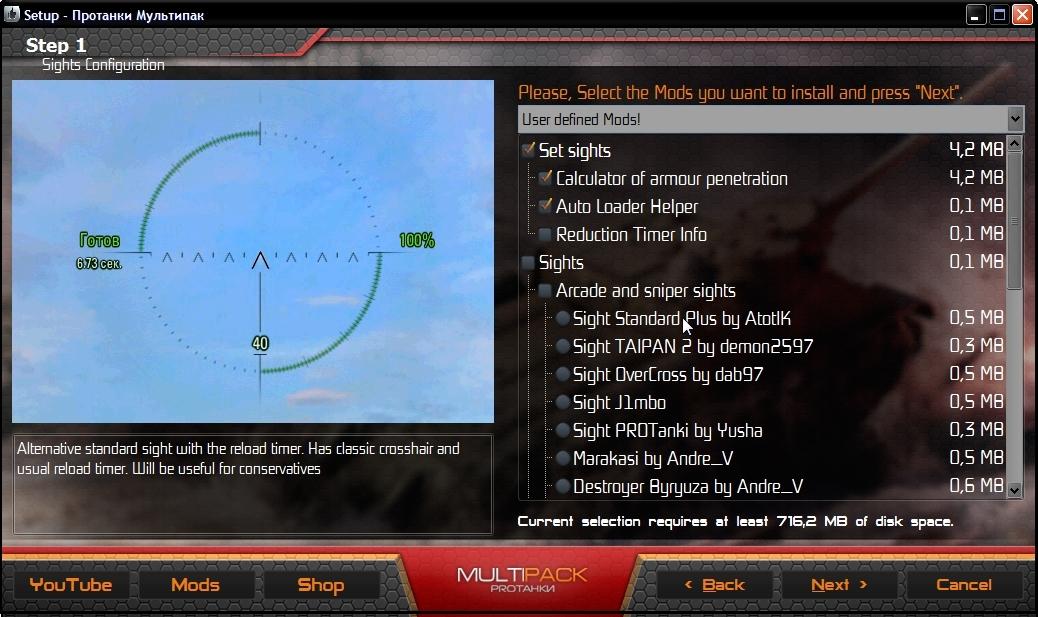
- Launch the setup Wizard.
- Choose the mods you want to install.
- Wait until the process finishes.
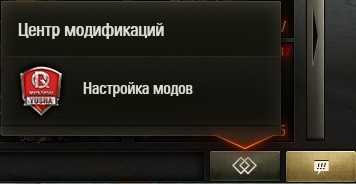
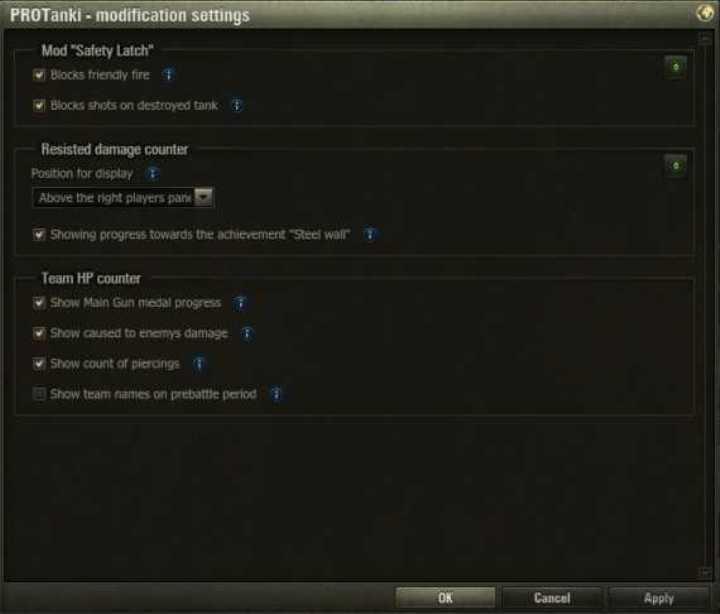
How to change settings
Do you enjoy playing WoT with the ProTanki Modpack? Have something to say about it? Leave your opinion in the comments, because it really matters to us.
Download ProTanki Multipack
mt_protanki_extend_ru.exe
wot_protanki_lite_eu.exe
wot_protanki_base_eu.exe
wot_protanki_extend_eu.exe